01
Make your move.
Drag anywhere in the arena to move your lead. On a keyboard, use WASD or the arrow keys.
DRAG TO MOVE ↗ HEARTLINERUSH
YOUR CAMPUS. YOUR MOMENT.
Win hearts. Build your crew. Dodge the drama.
Win the crowd before the bell.
iPhone, Android & desktop · No download
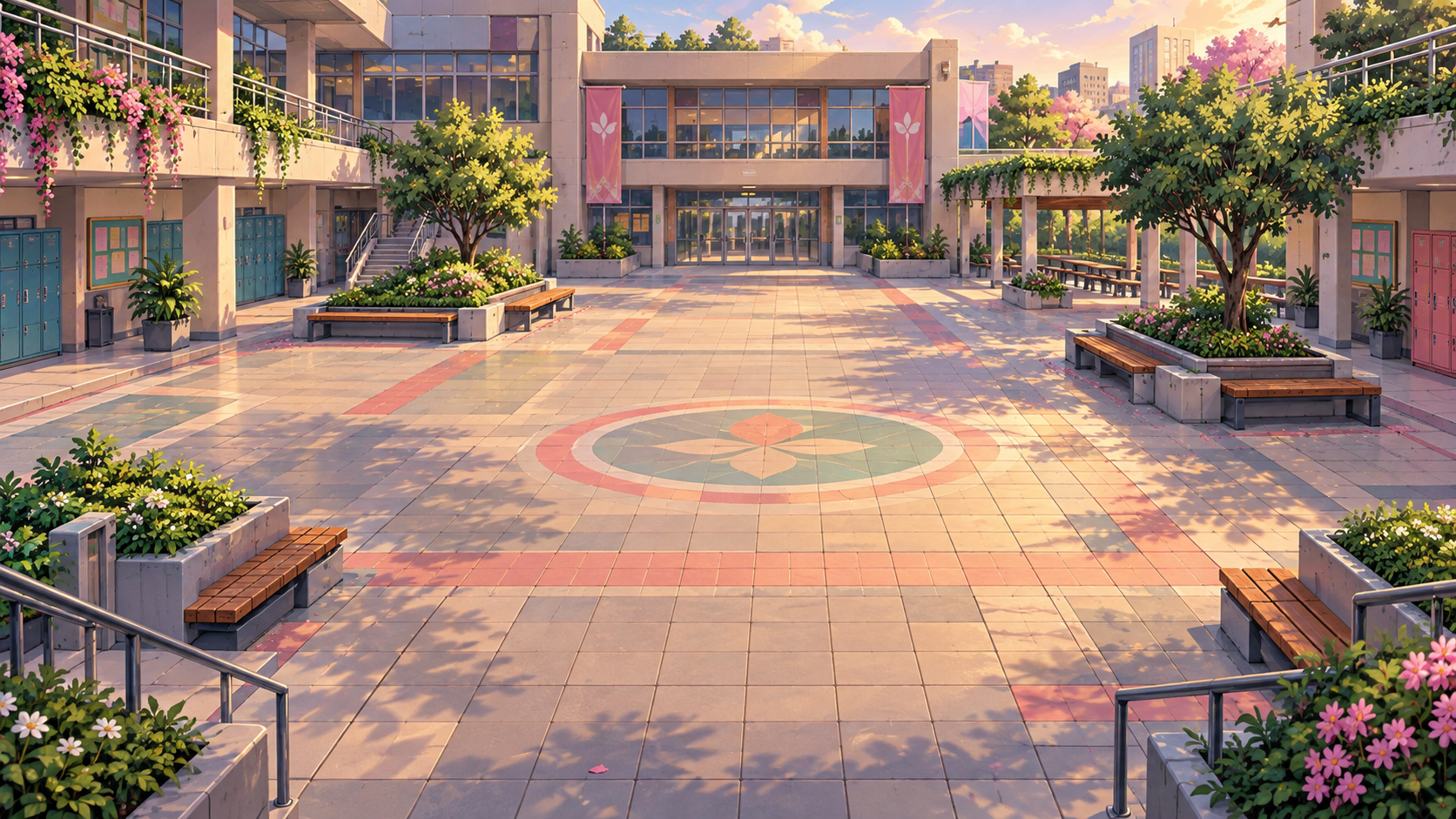


SMALL MOVES. BIG MAIN-CHARACTER ENERGY.
Drag anywhere in the arena to move your lead. On a keyboard, use WASD or the arrow keys.
DRAG TO MOVE ↗Hold a student to win them over. Or hold the big heart button to charm the closest person.
HOLD TO CHARM ♥Collect hearts for energy. Reclaim friends from Roxie, dodge the professor, and reach your crowd goal.
BEAT THE BELL ✦DESKTOP CREW WASD to move / SPACE to charm / ESC to pause
FROM FIRST SPARK TO FINAL ENCORE
Beat each crowd goal to unlock the next arena.
More hearts. Faster rivals. Bigger rush.
↳ Your scores and unlocked worlds stay in this browser.
THE CAMPUS IS WAITING.
BEFORE THE BELL
Less setup. More playing.
The browser edition is built for touch on phones and tablets, with keyboard controls on desktop. Portrait and landscape layouts adapt to your screen. Open the website and tap Play now.
No account or app download is needed. The game runs in your browser. You can also add the website to your home screen for a quicker way back.
On iPhone, open the published site in Safari, tap Share, then Add to Home Screen. On Android, open the browser menu and choose Install app or Add to Home screen. These options depend on your browser and an HTTPS connection.
Your best scores, stars, settings, and unlocked worlds are saved on this device in this browser. Clearing website data removes them. Progress does not sync between devices. Private browsing may limit saving.
After a full online load on a secure connection, the browser saves the game and arena artwork for offline play. Wait for the “Ready for offline play” message before going offline. Your browser may clear cached files when storage is low.